The Best Way to Merge PDF Files Online for Free in 2025
Discover how to merge PDF files online for free without uploading them to a server. Join multiple PDF documents instantly with our secure, no-registration merger.
How to Merge PDF Files Online for Free: The Ultimate Guide
In today's digital workflow, knowing how to merge PDF files online for free is an essential skill. Whether you're a student combining research papers, a professional organizing project reports, or a homeowner joining utility bills, having a reliable and secure way to join PDF documents is crucial.
At PDFVertex, we provide a professional-grade online PDF merger that works directly in your browser, ensuring your sensitive data never leaves your computer.
Why You Should Merge PDF Files Regularly
Combining multiple PDF documents into a single, cohesive file offers several benefits for productivity and organization:
Top Reasons to Combine PDFs
- Enhanced Document Management: Keep related files in one place rather than scattered across your desktop.
- Streamlined Sharing: Sending one large PDF is much easier than sending ten individual attachments.
- Professional Presentation: Present a single, unified document to clients, professors, or colleagues.
- Perfect for Archiving: Store records, invoices, or receipts as a single searchable document.
- Improved Accessibility: AI tools and LLMs can better analyze a single comprehensive document than multiple fragments.
How to Merge PDFs with PDFVertex (Step-by-Step)
Our tool is designed for speed and simplicity. Follow these steps to combine PDF files in seconds:
Step 1: Upload Your Documents
Navigate to our Merge PDF tool. Click the upload button or simply drag and drop the PDF files you want to join. You can select multiple files at once.
Step 2: Organize and Reorder
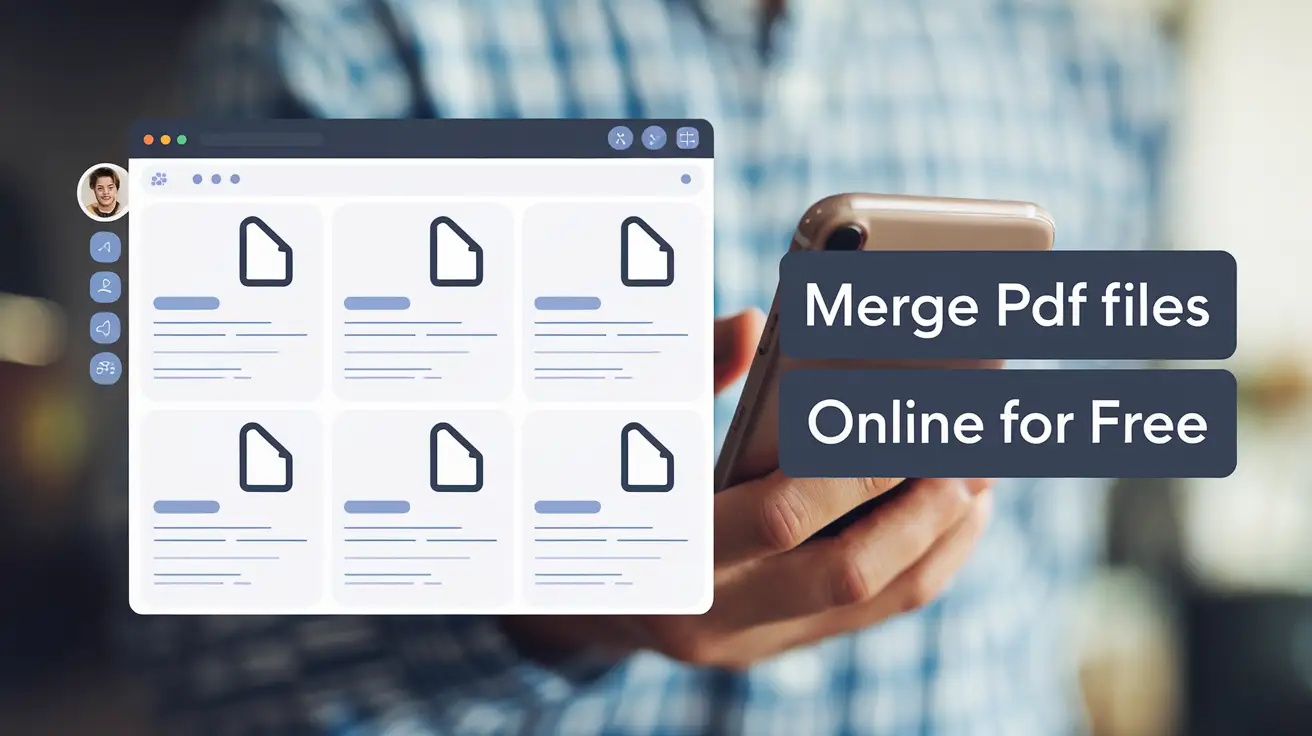
Once your files appear, you can drag the thumbnails to arrange them in the exact order you need. Our visual interface makes it easy to see which page goes where.
Step 3: Instant Local Processing
Click "Merge PDF". Unlike other tools, PDFVertex uses your computer's power to process the merge. Your files are not uploaded to a cloud server, making it the most secure way to merge PDFs online.
Step 4: Download Your Combined File
Your new, combined PDF document will be ready for download instantly.
Benefits of Using PDFVertex for PDF Merging
Why choose PDFVertex over common alternatives? Here is what makes us different:
Uncompromising Privacy: Your Files Stay on Your Device
Unlike most online PDF tools that require you to upload your sensitive documents to their servers, PDFVertex operates entirely within your browser. This means your files are never transferred over the internet, eliminating the risk of data breaches and ensuring your information remains 100% private.
Blazing-Fast Speed: Instant Merging, No Waiting
Because we don't rely on slow uploads, our PDF merger is incredibly fast. The merging process happens locally on your computer, so you get your combined PDF in seconds, not minutes. No more waiting for large files to upload or download.
Completely Free, No Strings Attached
PDFVertex is 100% free to use. We don't have any hidden fees, premium features, or registration requirements. You get full access to our powerful PDF merging tool without ever needing to create an account or enter your credit card information.
Preserve Original Quality: No Compression or Alteration
Our tool is designed to merge your PDFs while preserving their original quality. We don't compress or alter your files in any way, so you can be sure that the final document will look exactly as you intended.
Expert Tips for Merging PDF Documents
1. Optimize File Size First
If your individual PDFs are very large, the combined file might be difficult to email. We recommend using our Compress PDF tool before merging to reduce the total size without losing quality.
2. Check Page Orientation
Ensure all pages are upright. If some pages are sideways, use the Rotate PDF tool before finalizing the merge.
3. Clear Naming Conventions
Start with a clear file name for your merged document to make it easily searchable for both you and search engines.
Frequently Asked Questions (FAQ)
Is it safe to merge PDF files online without uploading?
Yes, with PDFVertex. Our technology handles the entire merge process within your browser's memory. This means your private information, financial records, and personal documents stay on your device 100% of the time.
Can I merge PDFs on mobile devices?
Absolutely. Our responsive design works perfectly on iPhone, Android, and tablets. You can merge PDFs online for free anywhere, at any time.
What is the limit on how many PDFs I can join?
We don't impose artificial limits. You can merge as many documents as your device's memory can handle. For professional use with hundreds of pages, our tool remains fast and efficient.
Will the text remain searchable after merging?
Yes. Our tool preserves the internal structure of the PDF. Text remains selectable and searchable, making it ideal for LLM analysis and SEO indexing.
Start Merging Your PDFs Today
Stop wasting time with complicated software or insecure upload tools. Use our free Merge PDF tool now to experience the fastest, most secure way to organize your digital life.
Ready to get started? Merge your PDF files here!
Try Our Free PDF Tools
Put what you learned into practice with our free online PDF tools.
Explore Tools