
How to Repair a Corrupted PDF That Will Not Open
Fix a PDF that says it is damaged. What repair can fix, what it cannot, and what to do for a file that was cut off during download.
"The file is damaged and could not be repaired." Few messages are more annoying. Often the pages are fine and only the file's index is broken. A repair rebuilds that index.
Try the repair
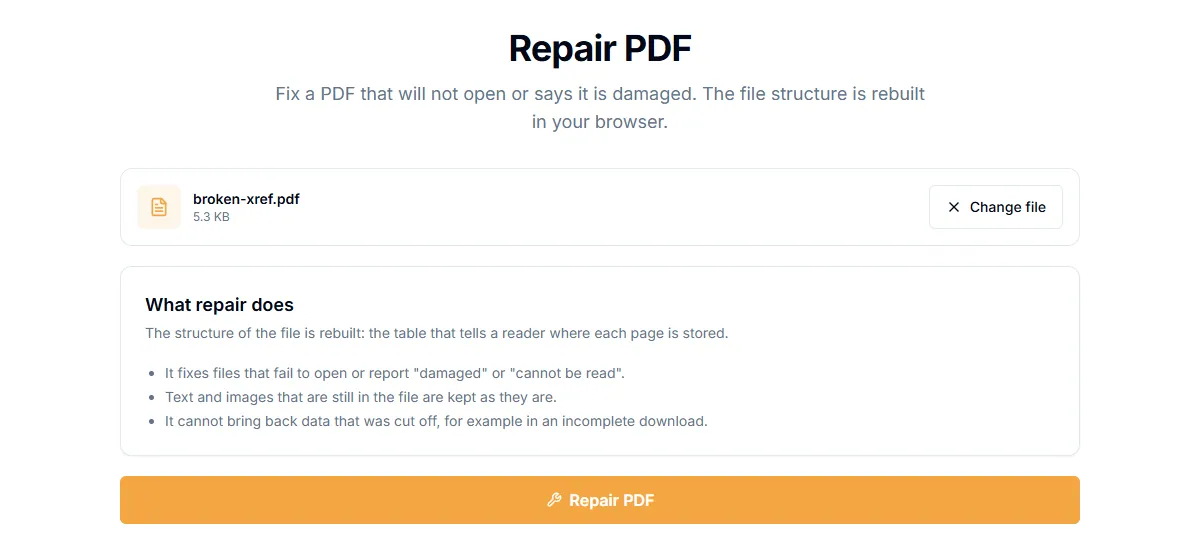
- Open Repair PDF.
- Add the damaged file.
- Select "Repair PDF".
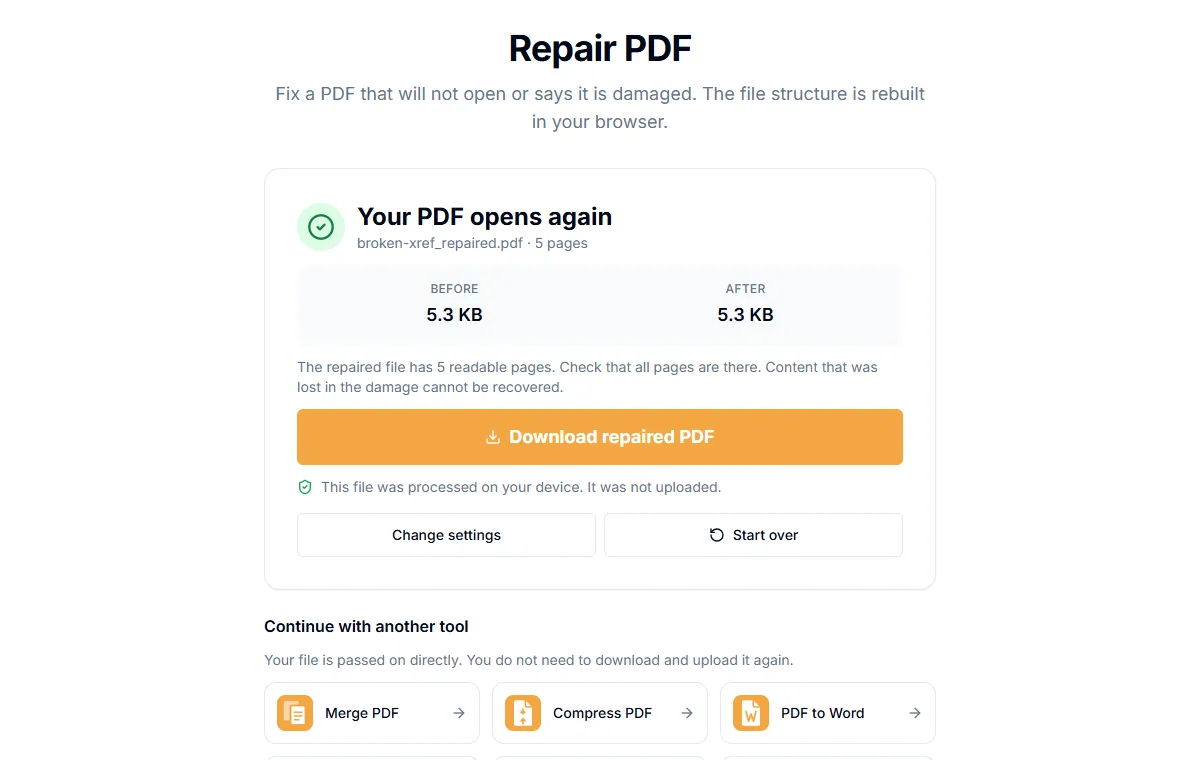
- Download the repaired file if the page says "Your PDF opens again".
The tool reads the objects in the file one by one instead of trusting the index, writes a fresh index and saves a new copy. It then checks the new file opens. It runs in your browser, so the file is not uploaded.
What a repair can fix
PDFs contain a table that tells a reader where each page lives. If that table is wrong or missing, readers give up even though the pages are there. Common causes:
- An interrupted save.
- A file that was edited by software that wrote a bad table.
- An email attachment that was altered in transit.
In our tests, files with a wrong table pointer were rebuilt with all their pages.
What a repair cannot fix
- A file that was cut off. If a download stopped halfway, the data is missing. Most of these cannot be recovered.
- Badly broken content. If the pages themselves are damaged, the tool says the file is too damaged to repair.
When this happens, you get a clear message. It does not give you a broken file and call it fixed.
Other things to try
- Download or request the file again. Try a different browser or network. Compare the size with the original.
- Try another PDF reader. A browser, Preview on Mac or a different app sometimes opens a file that another rejects.
- Check for a password. A protected file may seem broken when it just needs a password. See how to remove a password from a PDF.
- Look for earlier versions. Cloud drives and backup tools often keep older copies.
After repair
Open the repaired file and scroll through it. A repair keeps the content that is still in the file, but check that no page is missing.
Related guides
Try Our Free PDF Tools
Put what you learned into practice with our free online PDF tools.
Explore Tools