
How to Reduce PDF Size for Email Attachments
A PDF too large to email? Three ways to get under the attachment limit: compress, split or lower the image quality, and how to choose.
Most email services cap the size of attachments. Gmail, for example, allows about 25 MB, and many company mail servers set a lower limit. A scanned contract or a report with photos can go over it easily. Here are three ways to fix that, from least to most work.
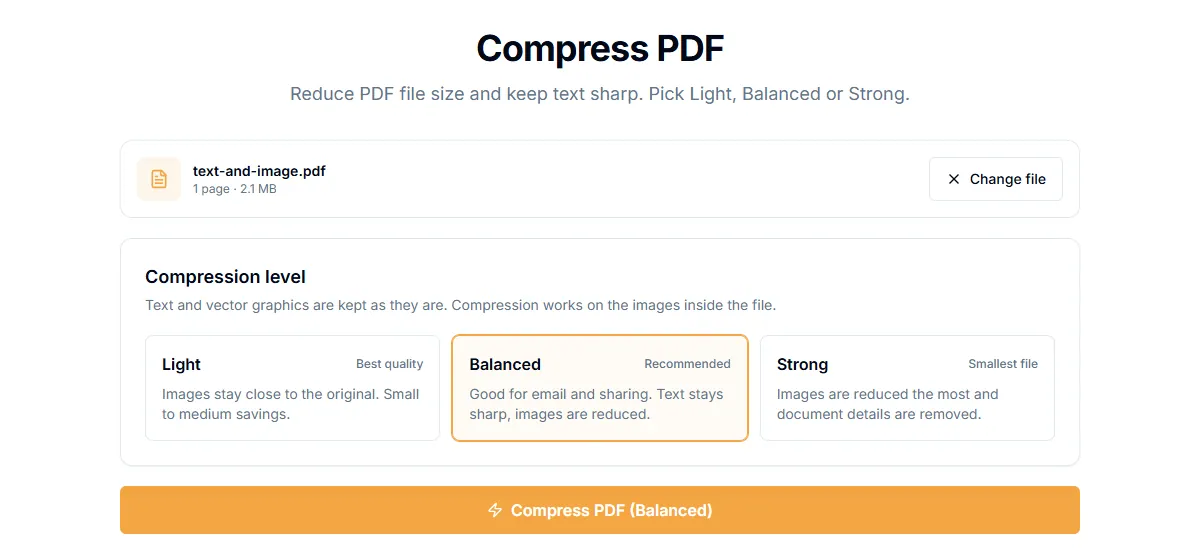
Option 1: compress the file
Compression shrinks the images inside the PDF. That is usually where most of the size is.
- Open Compress PDF.
- Add the file and pick a level. A stronger level gives a smaller file and lower image quality.
- Download the result and check that the pages are still readable.
If you know the exact limit, use a size-target page instead. Compress PDF to 2 MB and Compress PDF to 1 MB keep trying stronger settings until the file fits, and tell you if they cannot get there.
Option 2: split the file into parts
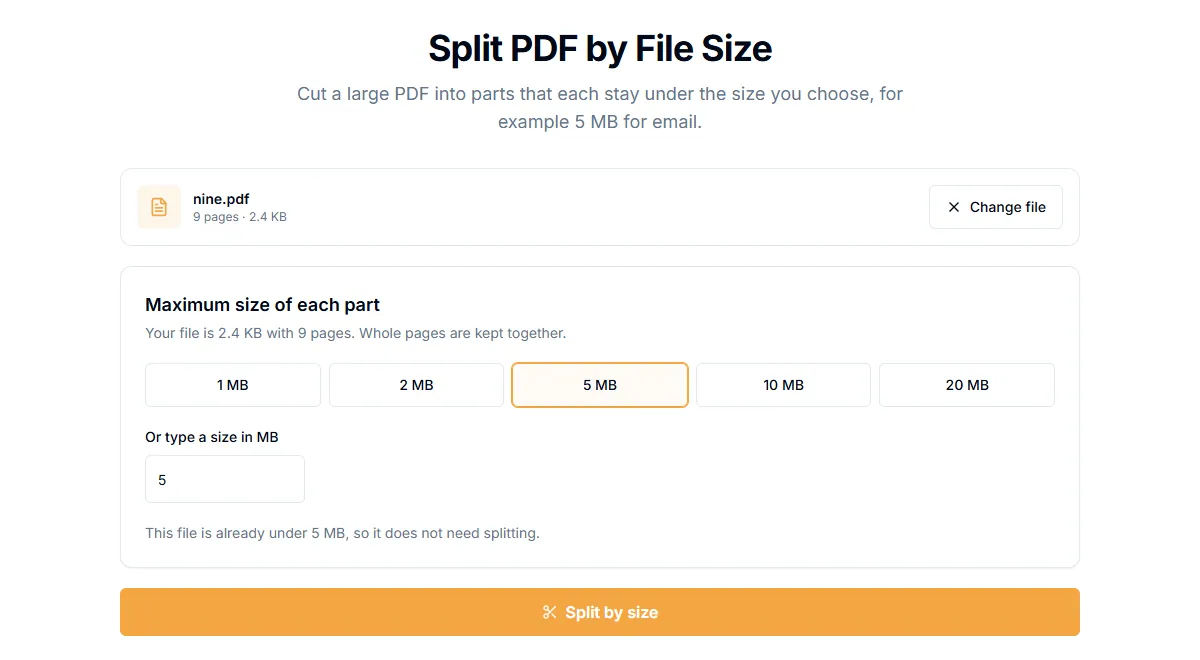
If the quality matters, do not compress. Send the document in several emails instead.
- Split PDF by size cuts the file into parts that each stay under a size you choose, for example 10 MB. You receive the parts in a ZIP file.
- Split PDF in half gives two parts, which is enough when the file is just over the limit.
Option 3: remove what you do not need
- Delete Pages removes blank or irrelevant pages.
- Extract Pages keeps only the pages the recipient needs.
Often the recipient only needs part of a long document, and this is the smallest change.
Which option to pick
| Situation | Best option |
|---|---|
| A scan or photo-heavy PDF, readability is fine at lower quality | Compress |
| A contract or print file where quality must stay the same | Split |
| The recipient only needs some pages | Extract or delete pages |
| A strict limit such as 1 MB on a form | A size-target page |
A note on privacy
If the file is private, check where it is processed. PDFVertex compresses and splits files in your browser, so the document is not uploaded. Some online tools upload the file to a server. Read are online PDF tools safe? for what to look for.
Related guides
Try Our Free PDF Tools
Put what you learned into practice with our free online PDF tools.
Explore Tools