
How to Flatten a PDF and Lock Form Fields
Flattening turns fillable form fields into plain page content so nobody can change them. How to do it, and when it is the right step.
A fillable PDF has fields: boxes, checkboxes, drop-downs. Anyone with the file can still change them. Flattening takes what is written in the fields and makes it part of the page. The fields disappear, the answers stay.
When to flatten
- You filled in a form and want to send a final copy that cannot be edited.
- A form does not display properly in some viewers, and flattening fixes that.
- You are archiving signed paperwork and want it fixed.
- A phone viewer or a print shop ignores fields and shows them empty.
Steps
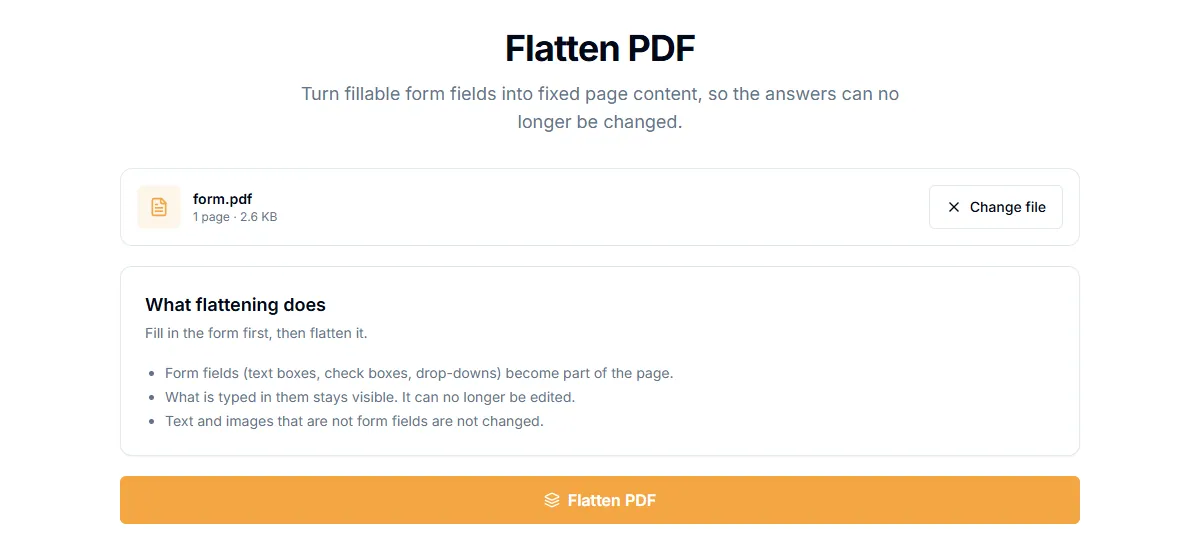
- Open Flatten PDF.
- Add the filled-in form.
- Select "Flatten PDF".
- Download the flattened file.
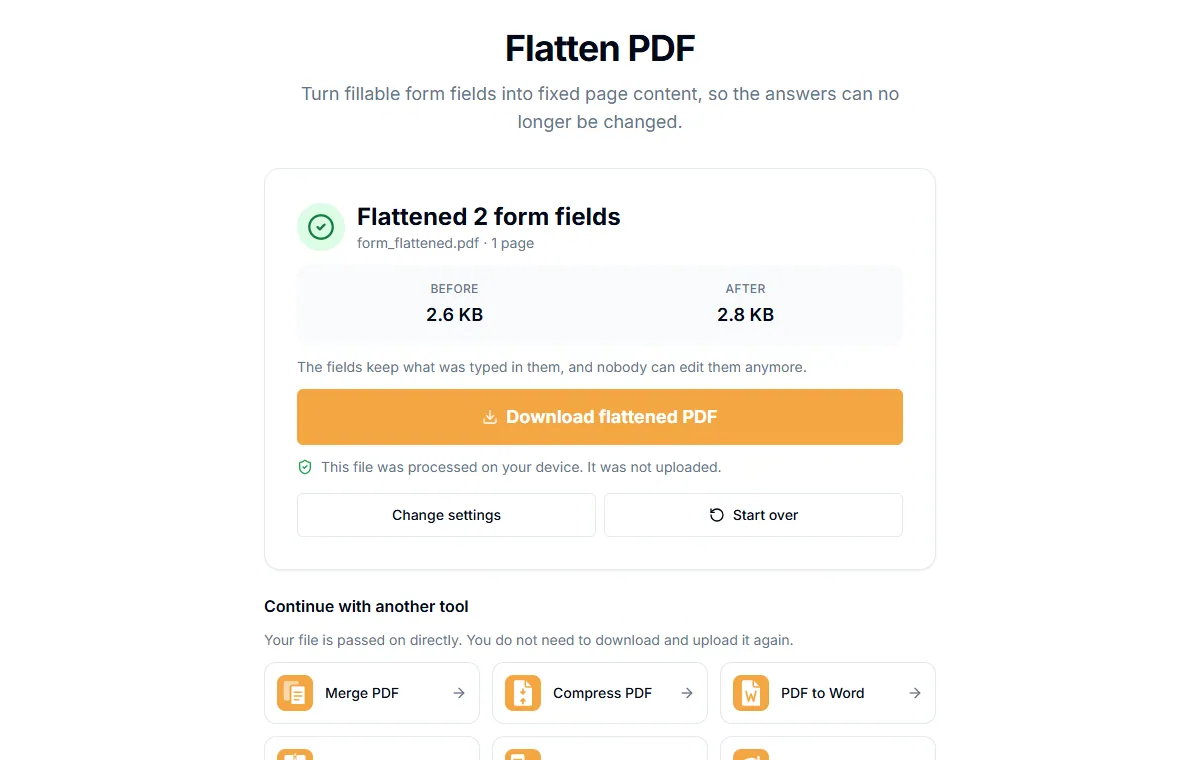
The result page tells you how many fields were flattened. In our test file, "Flattened 2 form fields" matched a text box and a checkbox, and the text "Ada Lovelace" stayed visible and searchable.
If the file has no form fields
The tool tells you "No form fields found" and the file is unchanged. Not every PDF that looks like a form has real fields. A scanned form is just a picture, and there is nothing to flatten.
Before you flatten
Flattening cannot be undone in the new file. Keep your original fillable version if you may need to change answers later.
Flatten is not the same as redact
If the aim is to hide sensitive information, flattening does not do that. The text is still in the file. For hiding information permanently, use Redact PDF. See how to redact a PDF permanently.
Flatten is not the same as password protection
Flattening stops edits to the form answers. It does not stop someone from opening or copying the file. To restrict that, see how to password protect a PDF.
Is it private?
Flattening runs in your browser. Your form data is not uploaded.
Related guides
Try Our Free PDF Tools
Put what you learned into practice with our free online PDF tools.
Explore ToolsRelated Articles
How to Add a Header and Footer to a PDF
Put a title, date, confidential label or page count in the top or bottom margin of every page of a PDF. Six positions, no upload.
How to Add Page Numbers to a PDF
Add page numbers to a PDF online: pick a format and position, start from any number and skip the cover page. No upload needed.
How to Edit PDF Metadata: Title, Author and Keywords
Change or remove the title, author, subject and keywords stored inside a PDF. Why it matters for privacy and for how your file looks in search and tabs.